
Stop describing the frame. Just point at it.
Click anywhere on your video to leave feedback. No more confusing descriptions—your team and stakeholders see exactly what you mean.
Feedback
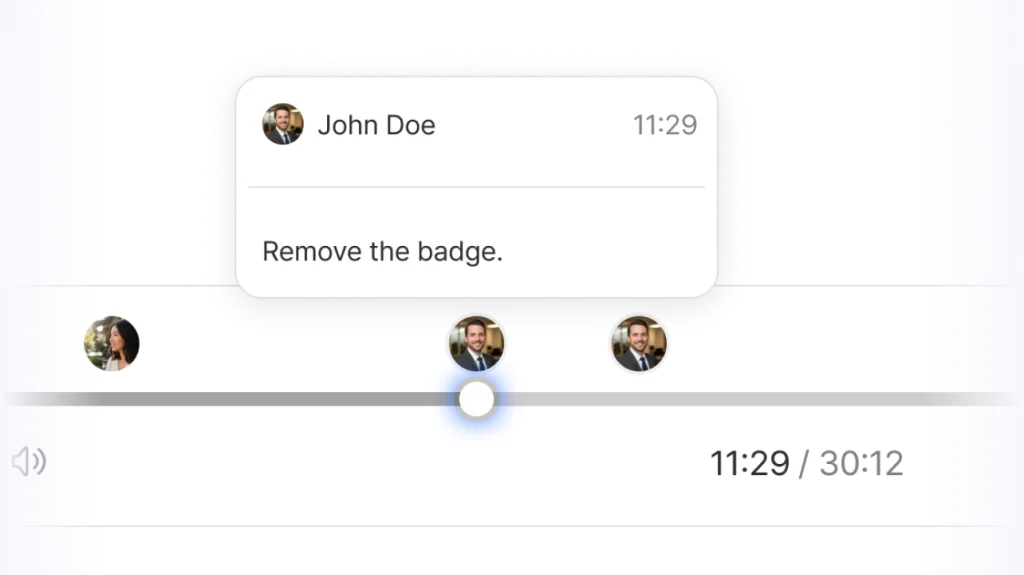
Timestamp — Pinpoint the Exact Frame
Click anywhere on the timeline to drop a comment at the exact frame that needs fixing. Single point or time range — your choice.
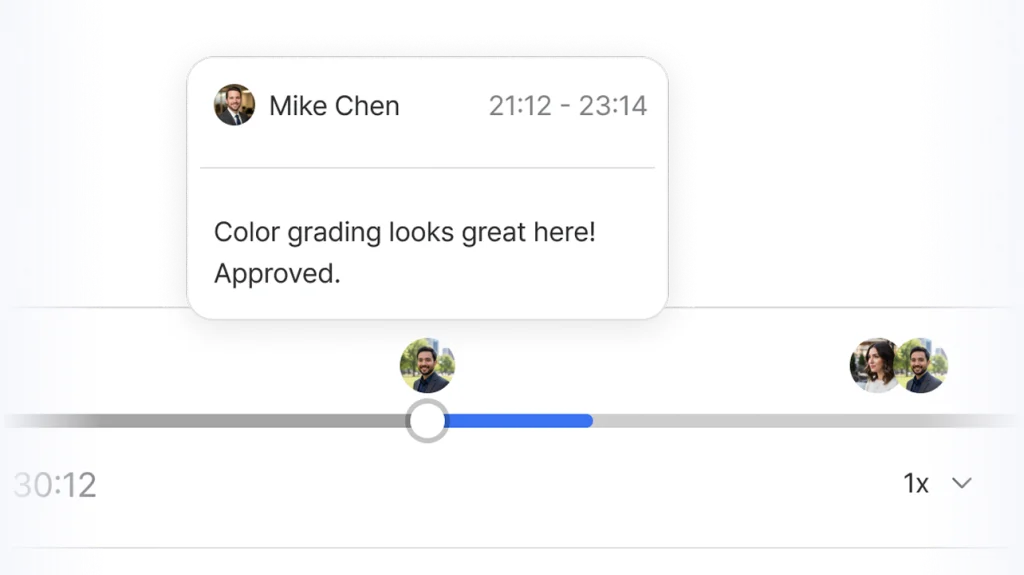
Time Range — Mark a Span of Frames
Select a range of frames to flag a section, not just a moment. Perfect for pacing notes, music sync, or scene-level feedback.
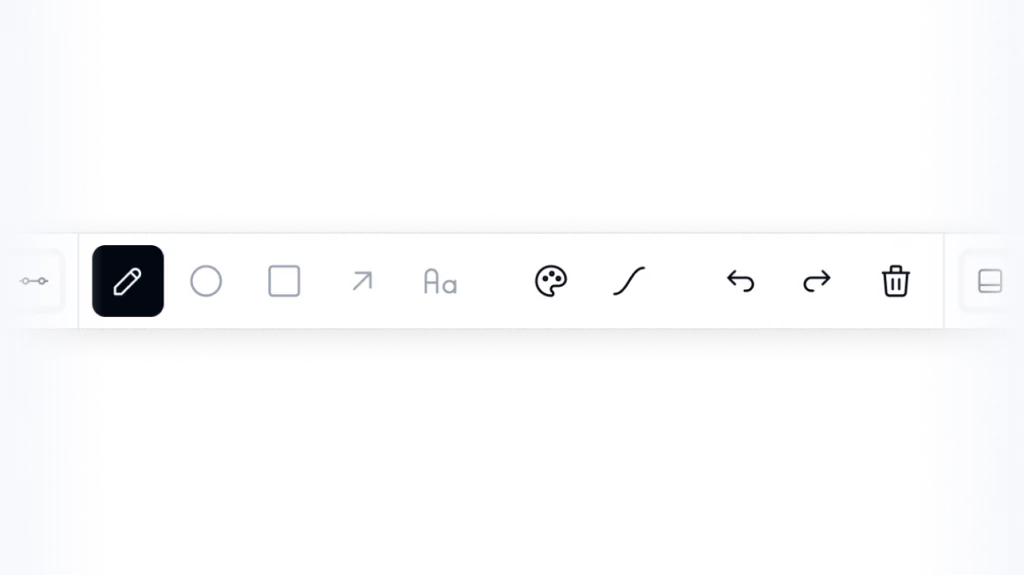
Drawing Tools — Show, Don't Tell
Draw directly on images, PDFs, and video frames. Pen, shapes, text, color — annotate exactly what you mean, right on the asset.