The problem: Which cut exactly is ‘around 1:20’?
Notes go on the frame or the range
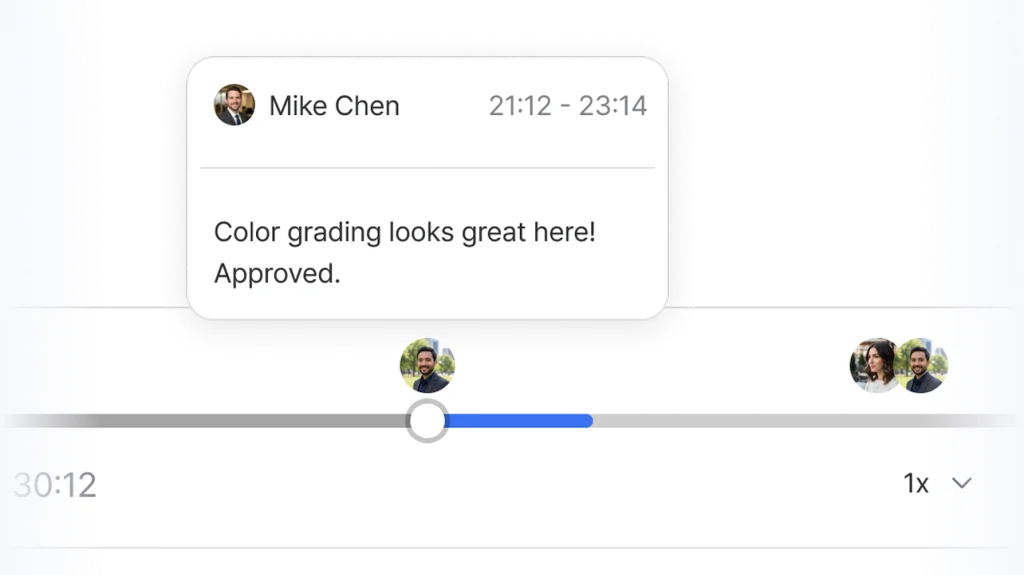
Mark the exact frame or range, leave the comment there, and draw on the picture to show what you mean.

One screening link gathers your client's and your producer's change requests onto the frames of the video.
The problem: Which cut exactly is ‘around 1:20’?
Mark the exact frame or range, leave the comment there, and draw on the picture to show what you mean.

The problem: Notes are scattered across chat, email and calls, so I rebuild the change list myself.
A client with an invite link watches right away and leaves feedback. Comments and replies appear in real time and can be searched and filtered.

The problem: Nothing records who signed off when, or which round we're on.
Give each file a status such as In progress, Needs review or Approved. Every change of status is kept with who made it and when.
YouViCo Agent opens the video and measures loudness, colour, silence and clipping to find what to fix. It runs in the desktop app, on the ChatGPT or Claude subscription you connect.
You can use review and sign-off alone. Free and Lite carry no AI credits, and storage depends on the plan.
You use the agent in the Windows, macOS and Linux apps. On the web you see what it made and leave feedback.
Send your next screening as a link. Lite holds a team of three and lets you invite up to 3 guests.
See plansNo. Someone with an invite link watches the video in a web browser and leaves feedback on the frame. The desktop app is for whoever uses the agent.
Yes. Comments and replies appear in real time, and you can connect Slack for notifications.
Yes. Original video upload is supported, and you can also review a YouTube link.